Lagi seru-serunya main Call of Duty: Modern Warfare 4 bareng squad, tapi tiba-tiba kena lag parah pas lagi adu tembak? Jujur, masalah koneksi kayak gini tuh paling bikin emosi, apalagi kalau lagi penentuan menang atau kalah di mode Multiplayer atau DMZ.
Makanya, kalau kamu lagi ngalamin masalah serupa, yuk coba intip beberapa cara buat mengatasi lag dan masalah koneksi di Call of Duty: Modern Warfare 4 supaya game kamu bisa lancar lagi.
Pengaturan Dalam Game
- Go to Graphics > Display and set Display Mode to Fullscreen Exclusive.
- Go to Graphics > Quality > Advanced Quality and change On-Demand Texture Streaming to Minimal.
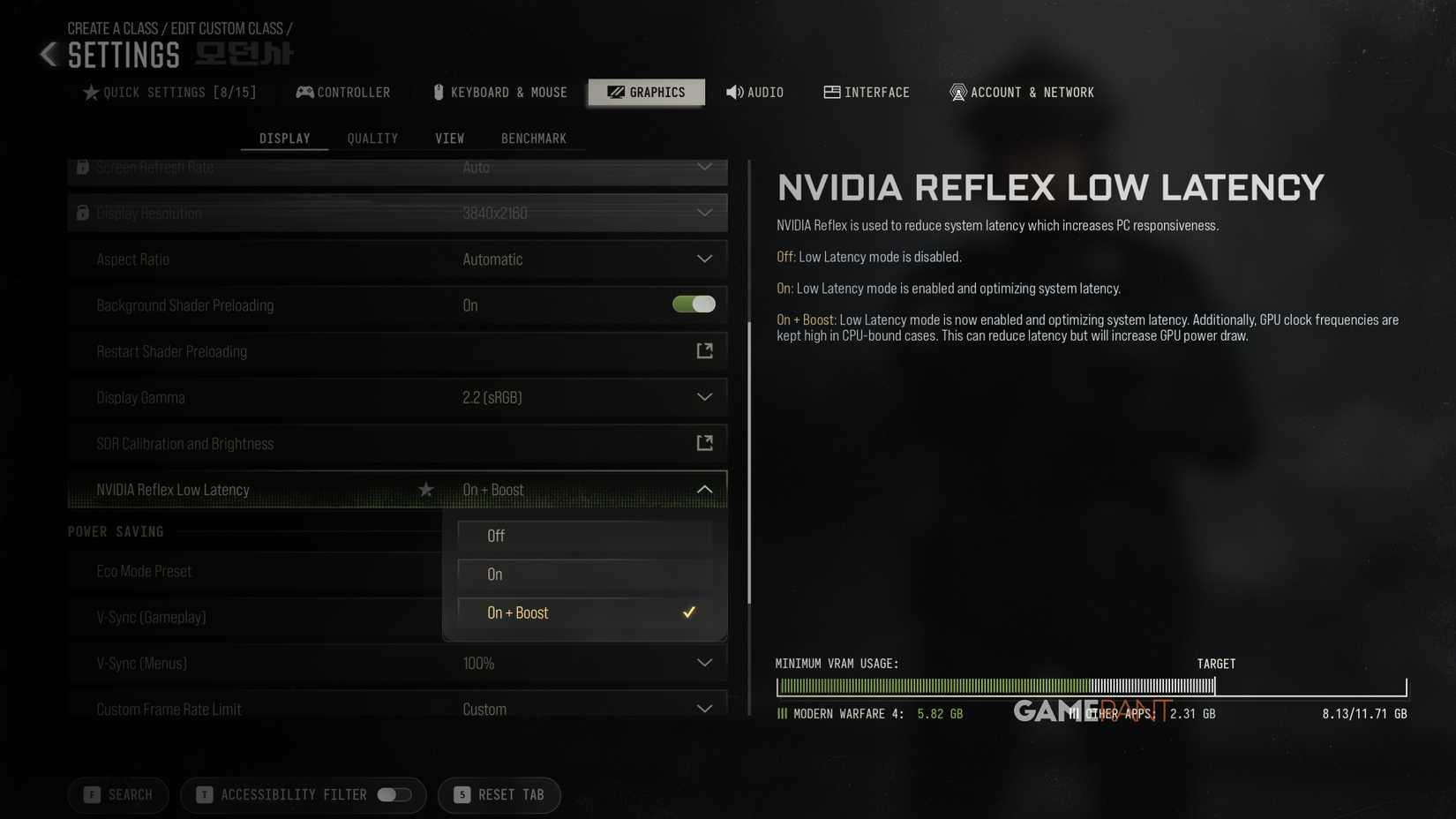
- If you have an NVIDIA graphics card, set NVIDIA Reflex Low Latency to On + Boost in the Display tab.
- If you have an AMD graphics card, enable Anti-Lag 2 in the Display tab.
- Disable Ray Tracing under Graphics > Quality.
- Disable World Motion Blur and Weapon Motion Blur under Graphics > Quality.
- Disable Depth of Field and Weapon Depth of Field under Graphics > Quality.
- Set Film Grain to 0 under Graphics > Quality.
- Lower your Graphics Quality Settings, focusing on Texture Resolution, Detail Quality, Shadow Quality, Particle Resolution, Shader Quality, and Reflection Quality.
- Go to Account & Network > Notification Alerts and disable relevant notifications.
Solusi Umum Jaringan
- Switch to a Wired Connection: An Ethernet connection is the most stable. If possible, switch to a wired connection to improve performance and minimize lag.
- Restart Your Network / Router: If you are experiencing low download speeds or poor connectivity across the board, try restarting your network / router. Most home routers have a dedicated restart button, but you can also restart them on your device using your router’s Administration Page.
- Check Call of Duty Server Status: If you are experiencing issues, there is a chance they may be caused by a server-side problem. In this case, head to Activision’s Online Services page to check whether Modern Warfare 4 is currently down for your platform.
- Change DNS Settings: Try switching your DNS settings to potentially improve your connection. Here are a few options you can try:
- Cloudflare: 1.1.1.1 (Primary) and 1.0.0.1 (Secondary)
- Google: 8.8.8.8 (Primary) and 8.8.4.4 (Secondary)
- OpenDNS: 208.67.222.222 (Primary) and 208.67.220.220 (Secondary)
- Run a Network Diagnostic on Your Device: This is often the best way to automatically identify and fix connection-related issues. Here is how to do this on each platform:
- Xbox Series X/S: Profile & system > Settings > General > Network settings > Test Internet Connection
- PlayStation 5: Settings > Network > Test Internet Connection
- Windows PC: Settings > System > Troubleshoot > Other Troubleshooters > Network & Internet
- Double-Check Your Online Membership: If you are playing Modern Warfare 4 on a console, you will need an online subscription, such as Xbox Game Pass or PlayStation Plus, to play online.
Cara Mengatasi Hit Registration yang Kurang Bagus
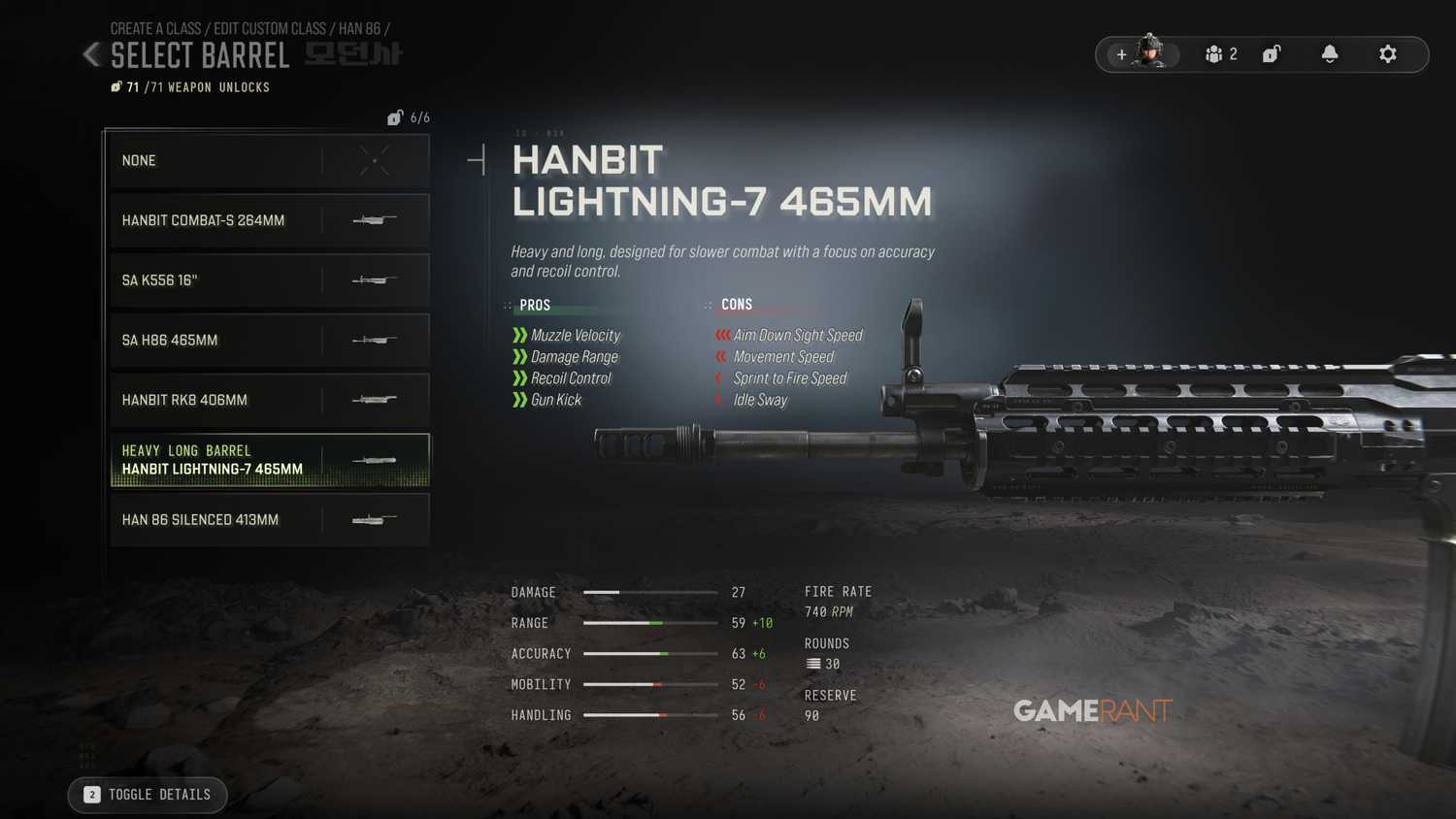
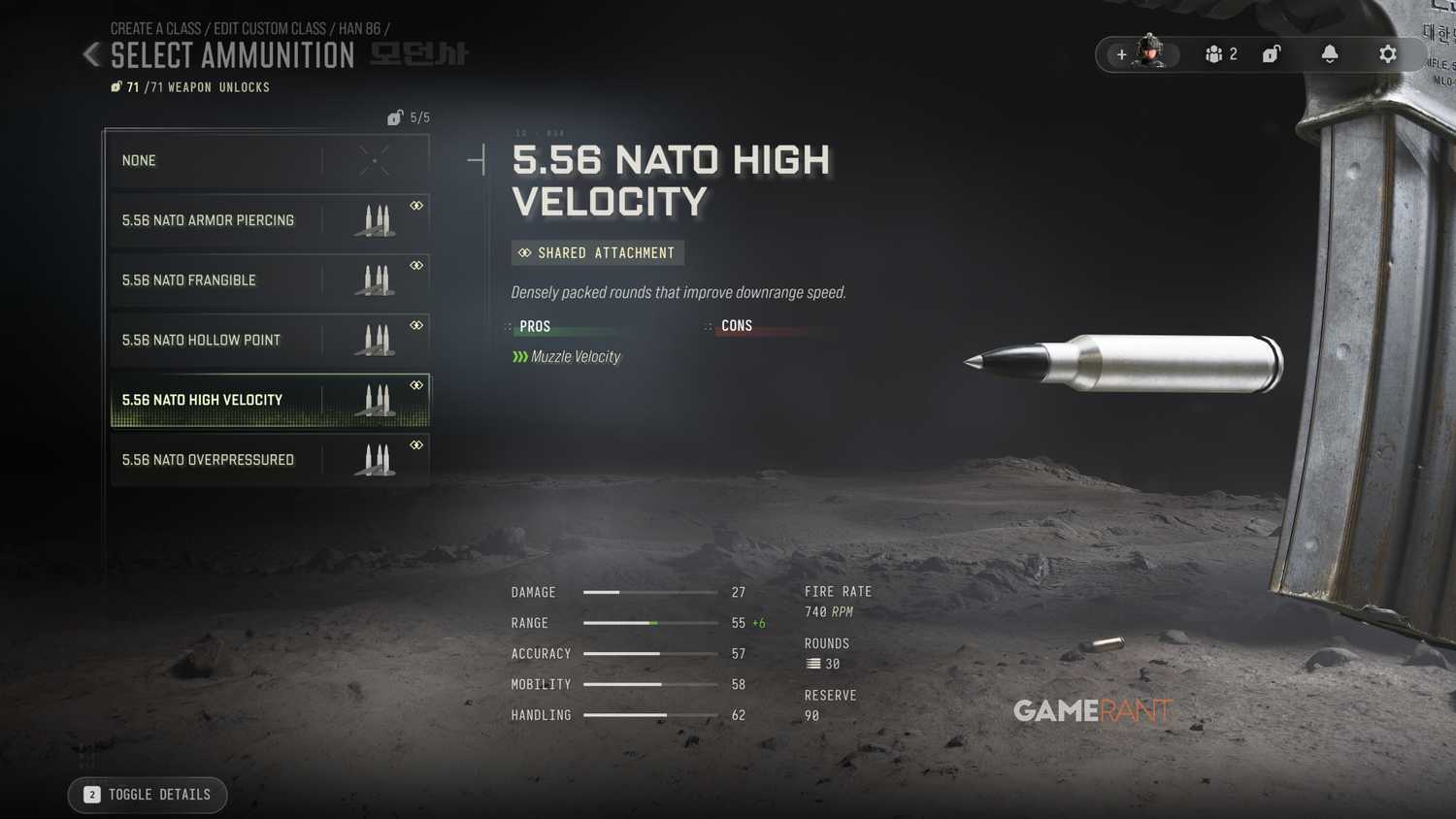
Selain masalah jaringan, kadang yang bikin gregetan itu hit registration alias peluru udah kena tapi musuh nggak mokad-mokad. Kalau menurutku sih ini emang PR besar dari sisi server, tapi setidaknya ada satu trik alternatif yang bisa dicoba biar performa tembakanmu agak mendingan.
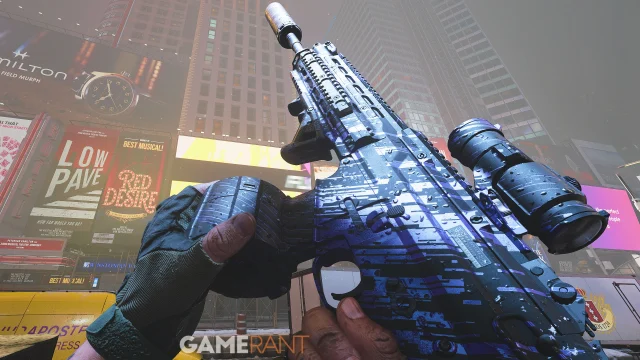
Kamu bisa coba ningkatin muzzle velocity senjata kamu lewat Gunsmith dengan melengkapi attachment berikut:
- Heavy Silencers
- Heavy, Long, or Heavy Long Barrels
- High Velocity Ammunition
Semoga beberapa tips di atas bisa ngebantu mengatasi masalah lag kamu ya, biar nggak ada lagi drama kalah tembak cuma karena koneksi bapuk!